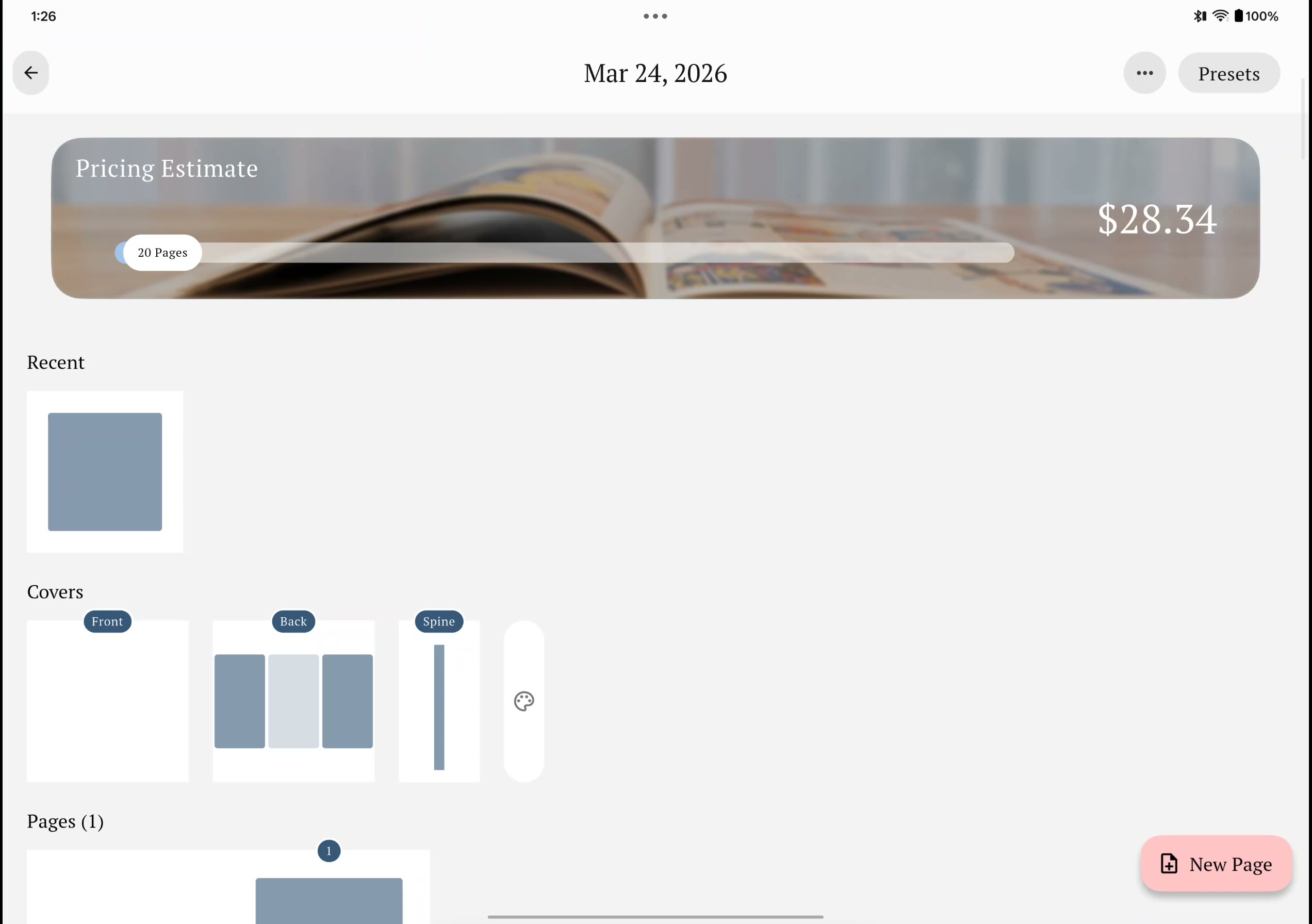
Getting Started
Getting Started: Create Your First Photo Book
Watch how to create a photo book from scratch in under 5 minutes. We'll walk through choosing a size, adding photos, and customizing your first pages.
Step-by-step guides to help you get the most out of Recollect Studio.
Watch how to create a photo book from scratch in under 5 minutes. We'll walk through choosing a size, adding photos, and customizing your first pages.
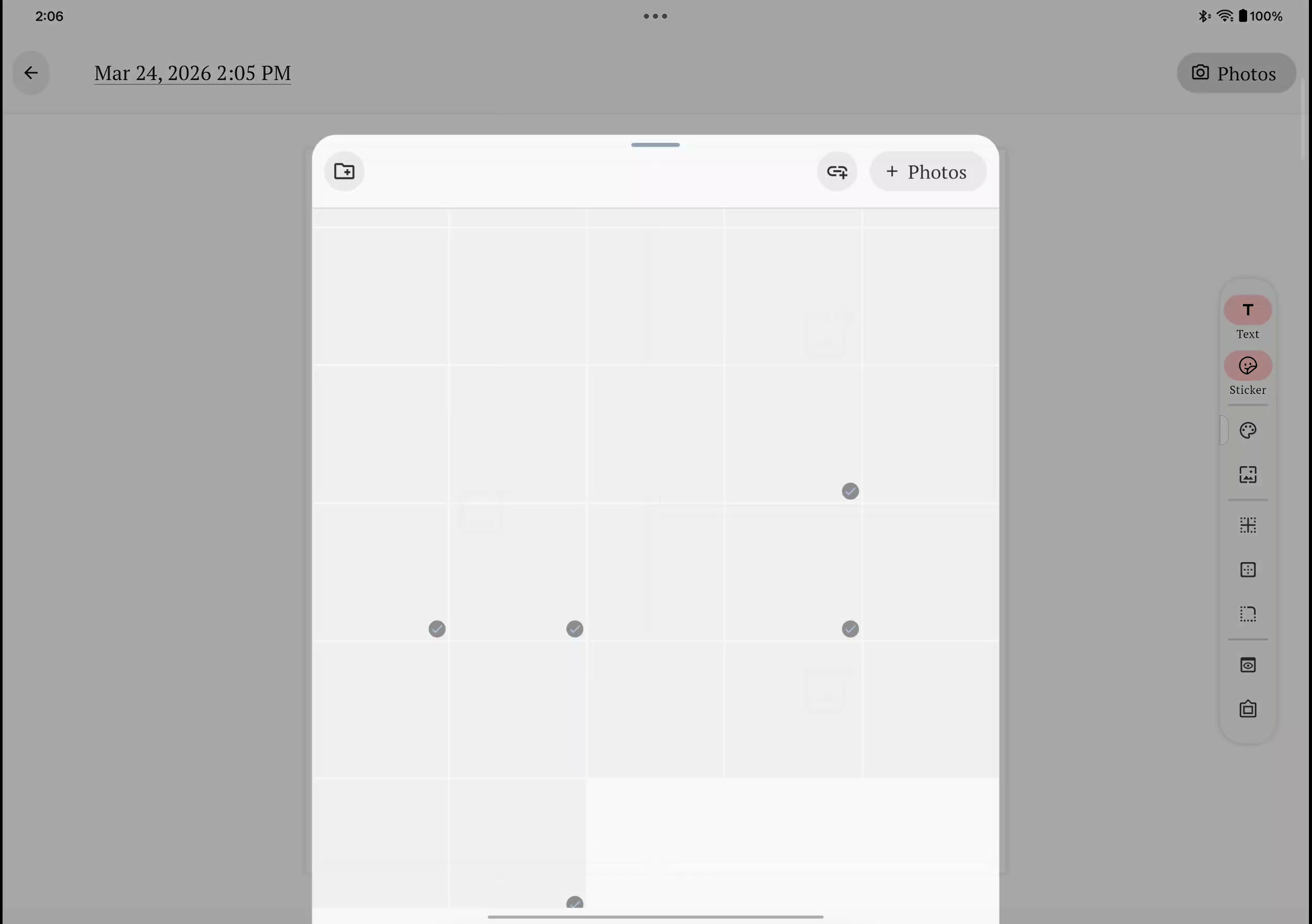
Learn how to move and rearrange photos in your photo book using long press and drag. Easily swap, reposition, and organize your images on any page in Recollect Studio.
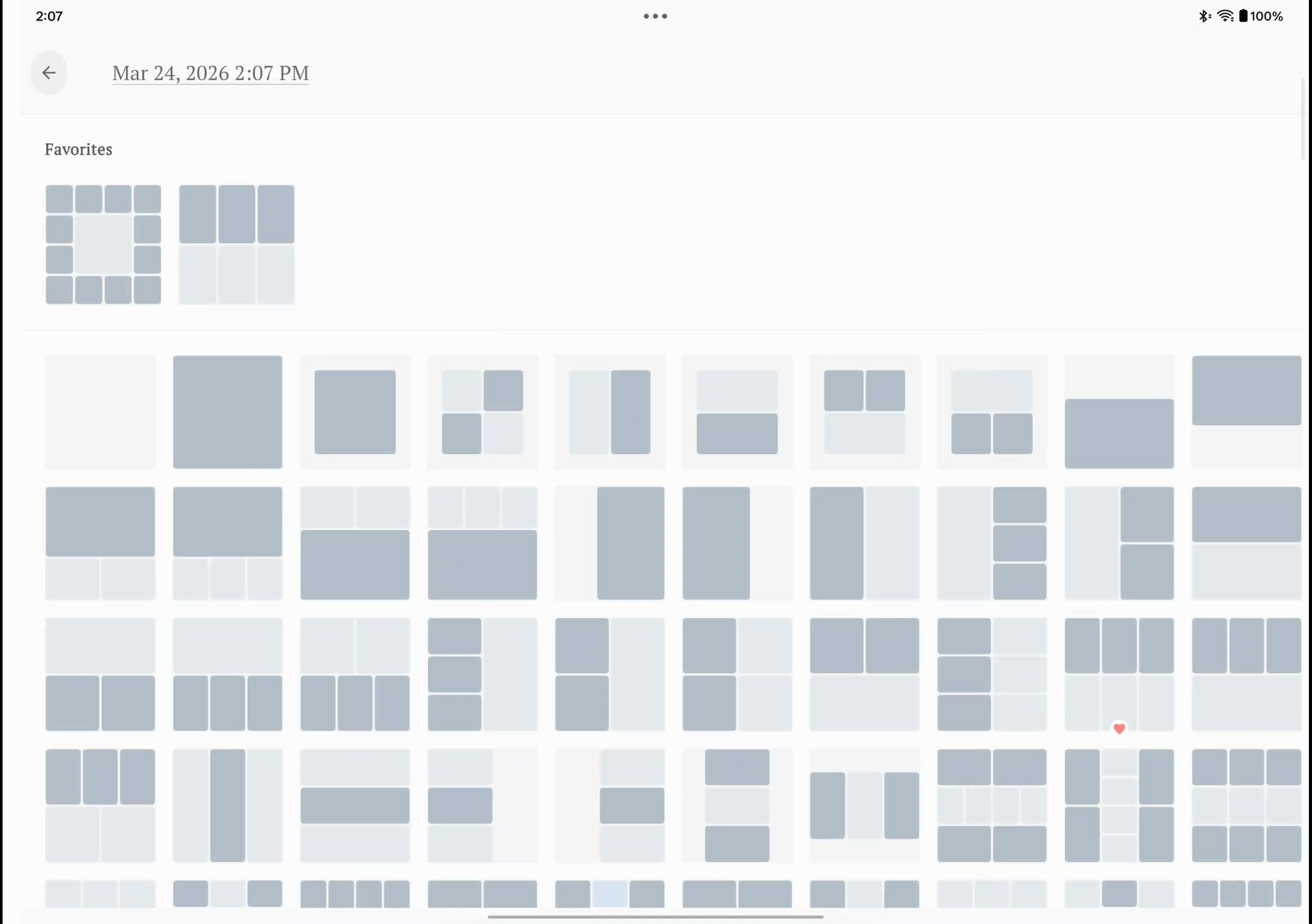
Learn how to browse and apply over 200 professionally designed page layouts in Recollect Studio. Customize your photo book with collages, full-bleed spreads, grids, and more.
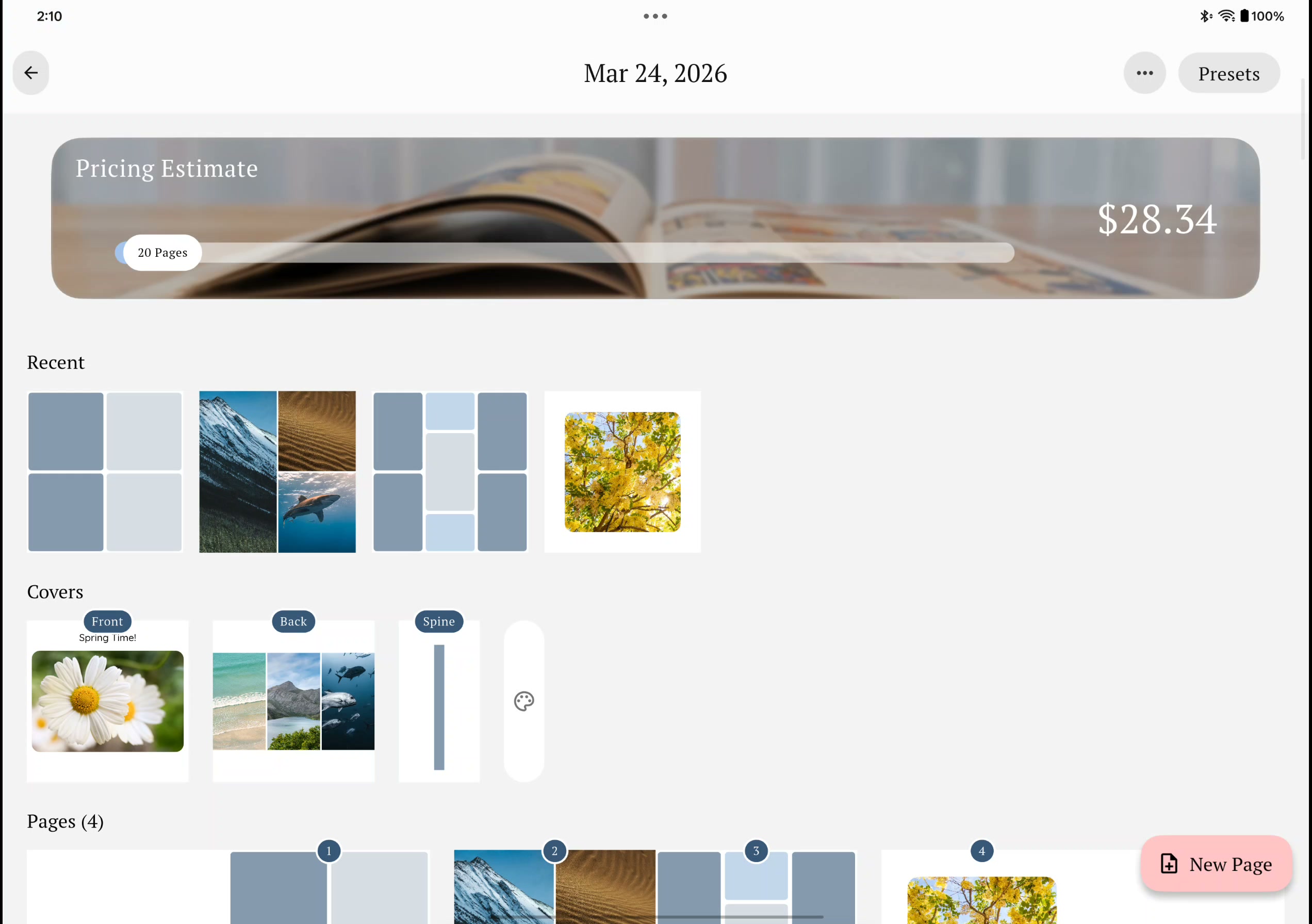
Learn how to add new pages to your photo book in Recollect Studio. Quickly insert blank pages or duplicates anywhere in your book.
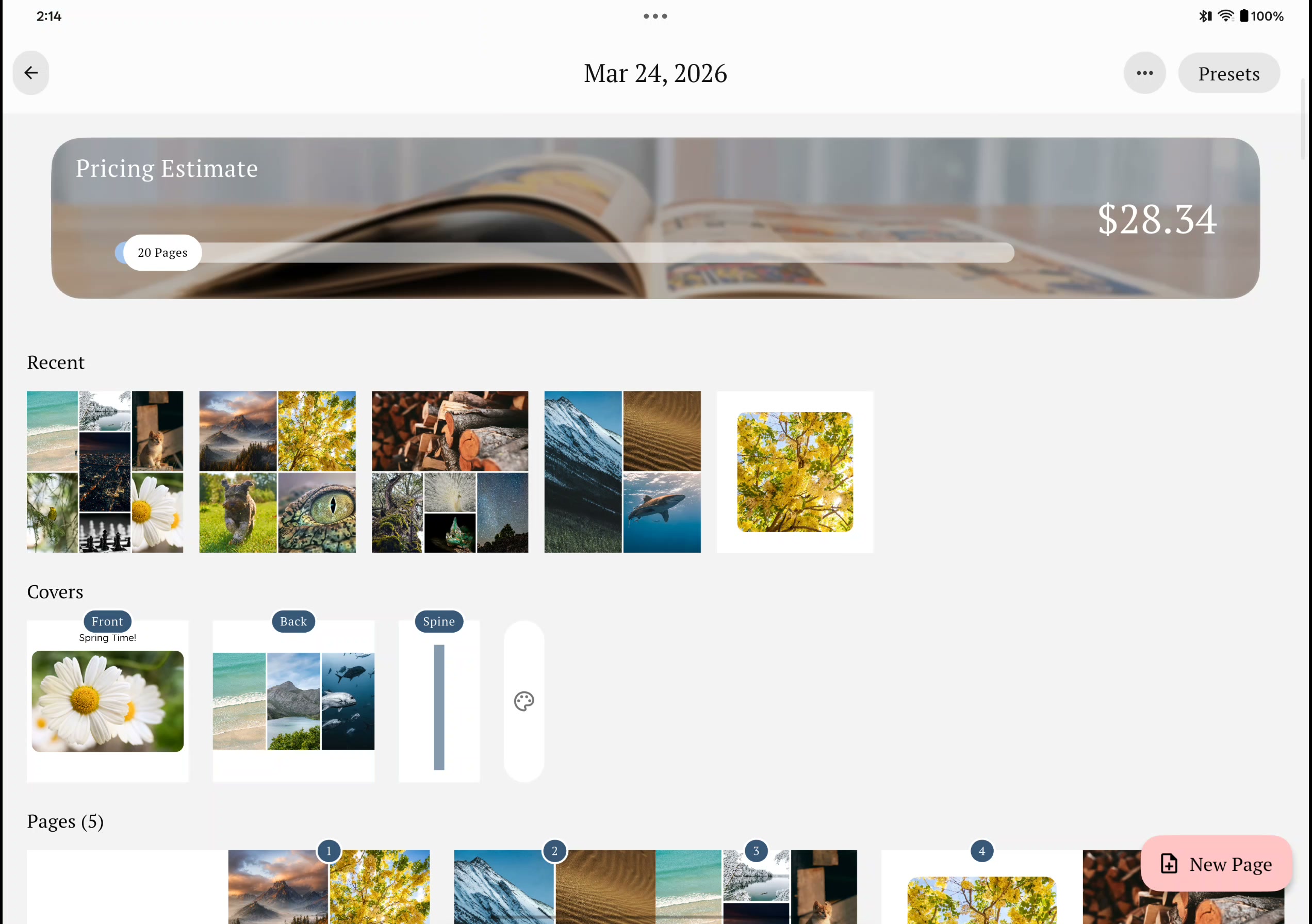
Learn how to customize your photo book cover by changing the background color. Pick from preset colors or choose a custom color to match your theme in Recollect Studio.
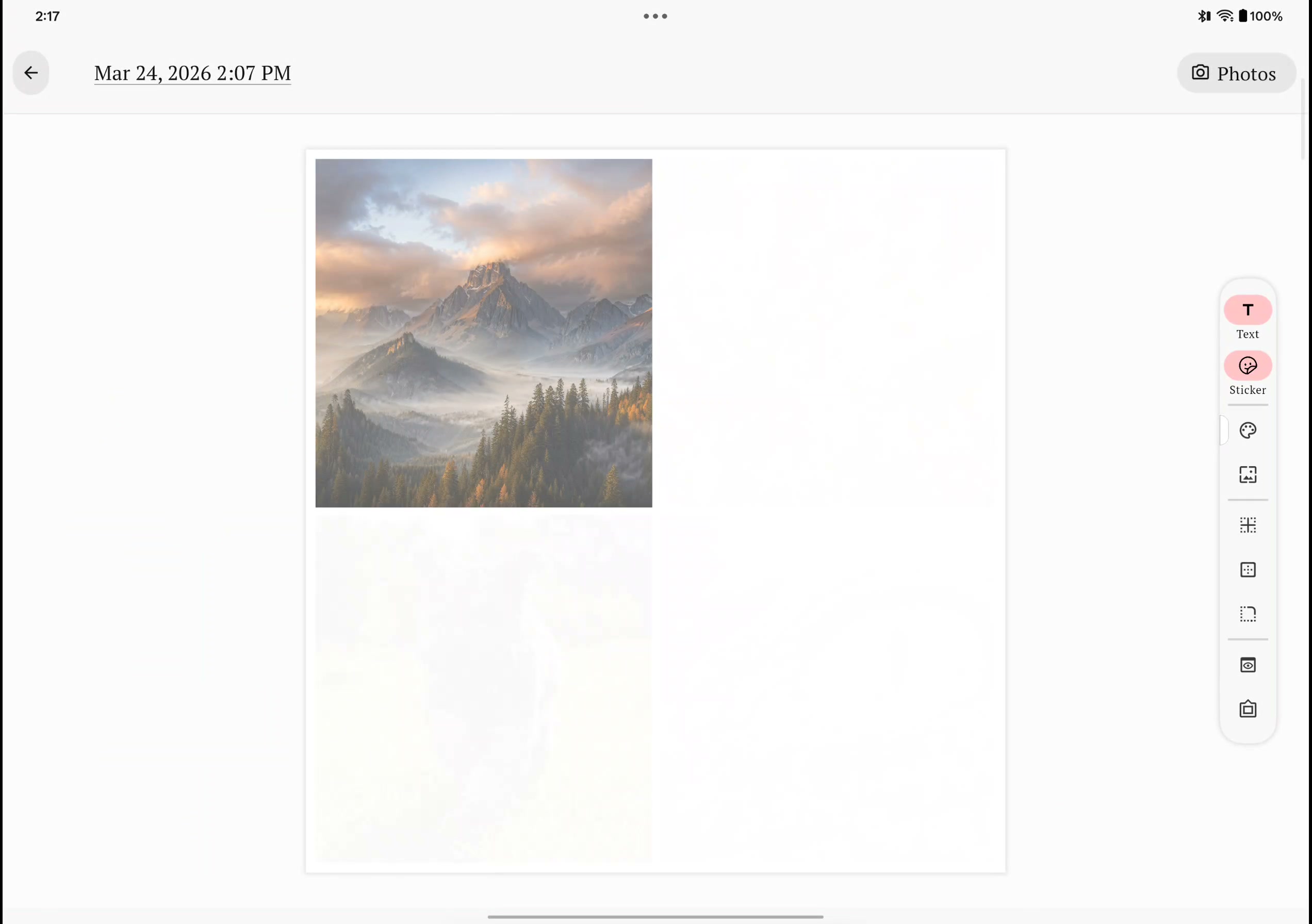
Learn how to create and share a preview of any page in your photo book. Send a snapshot to friends and family for feedback before you print with Recollect Studio.