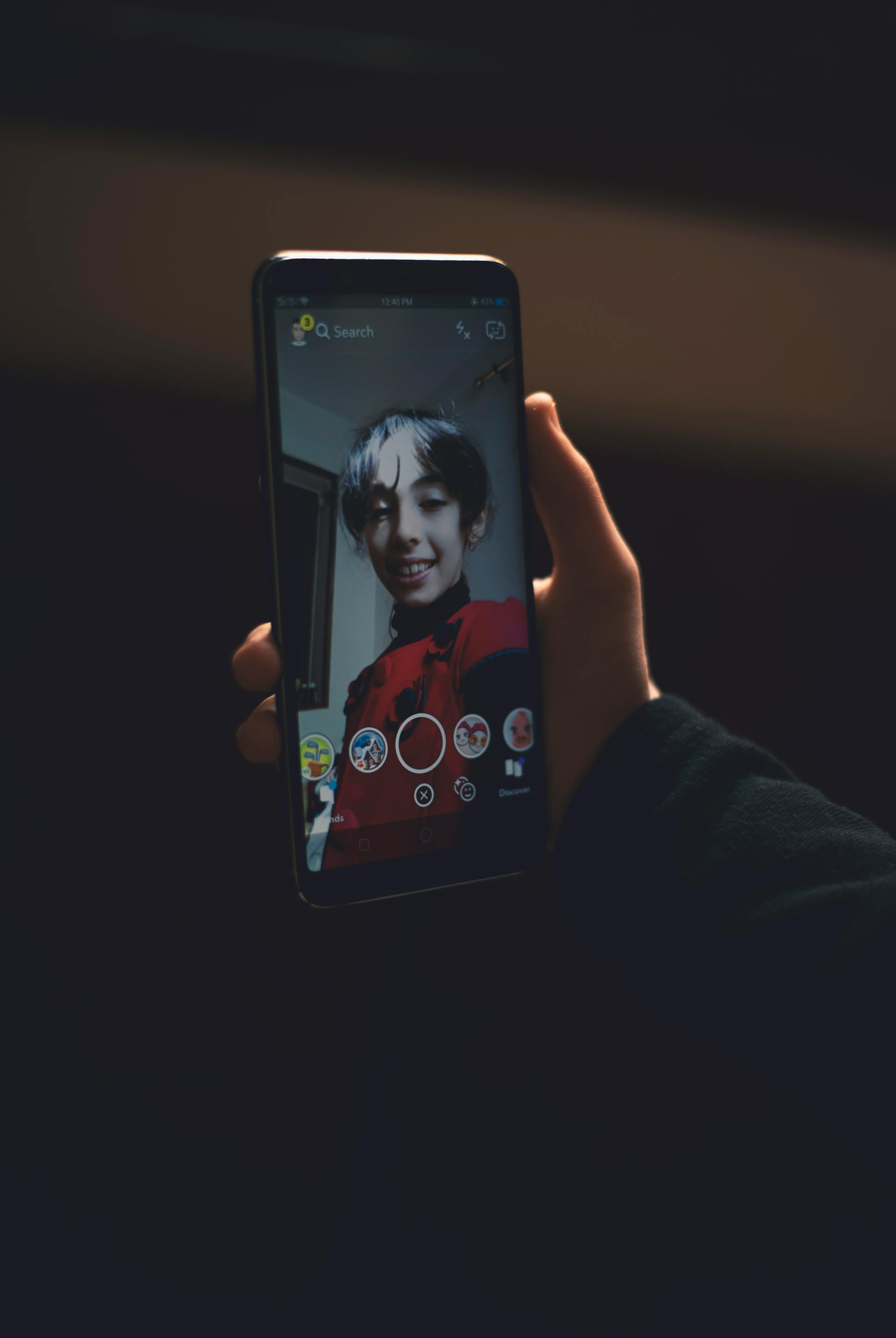
If you’re anything like most iPhone users, your Camera Roll is bursting with thousands of photos you rarely look at. Birthdays, vacations, lazy Sunday mornings — they’re all in there, buried under screenshots and random snaps. The good news? You can make a photo book from iPhone photos in just a few minutes, and you don’t need to sit down at a desktop to do it.
Why Turning iPhone Photos into a Book Matters
We take more photos than any generation before us, yet most of those images never leave our phones. A printed photo book gives your favorite memories a permanent, tangible home. It’s something you can flip through on the couch, display on a coffee table, or hand to a grandparent who isn’t on iCloud.
Physical books also protect your photos from the risks of cloud storage mishaps, accidental deletions, and the endless scroll that buries older memories. When you make a photo book from iPhone photos, you’re choosing to celebrate those moments instead of letting them fade into digital clutter.
How to Make a Photo Book from iPhone Photos with Recollect Studio
Recollect Studio was designed from the ground up for your phone. Here’s how simple the process is:
- Pick your photos. Open the app and select images straight from your Camera Roll. No uploading to a website, no emailing files to yourself.
- Choose a layout. Browse over 200 professionally designed layouts to find the perfect look — from clean and minimal to playful and vibrant.
- Customize everything. Add text with your choice of 100+ fonts, drop in stickers, apply filters, and drag and drop elements until every page feels just right.
- Preview and order. Flip through a realistic preview of your book, then send it to print with a few taps.
The entire process happens on your iPhone, so you can design your book while waiting in line, relaxing on the couch, or riding the train home.
Made on your phone. Kept for years.
Try Recollect Studio Free
Create your photo book right from your phone — no computer needed.
Tips for Great Results
- Start with a theme. Focus on a single event, trip, or time period rather than cramming in everything. A cohesive story makes a better book.
- Mix your layouts. Alternate between full-page spreads and multi-photo grids to keep the visual rhythm interesting.
- Use the built-in filters. Consistent filtering across photos gives your book a polished, unified feel even when the original lighting varied.
- Add captions. A short line of text — a date, a name, an inside joke — adds context you’ll appreciate years from now.
- Don’t over-edit. Let the photos breathe. White space on the page draws attention to the images themselves.
If you want even more flexibility, check out how to create a photo book on your phone without a computer for a deeper look at Recollect Studio’s mobile-first features.
Start Printing Your Memories
Your iPhone is already the best camera you own. With Recollect Studio, it’s also the best photo book maker. Stop letting your favorite moments sit unseen in your Camera Roll — turn them into something you can hold, share, and keep forever. Download the app today and make a photo book from iPhone photos in minutes.