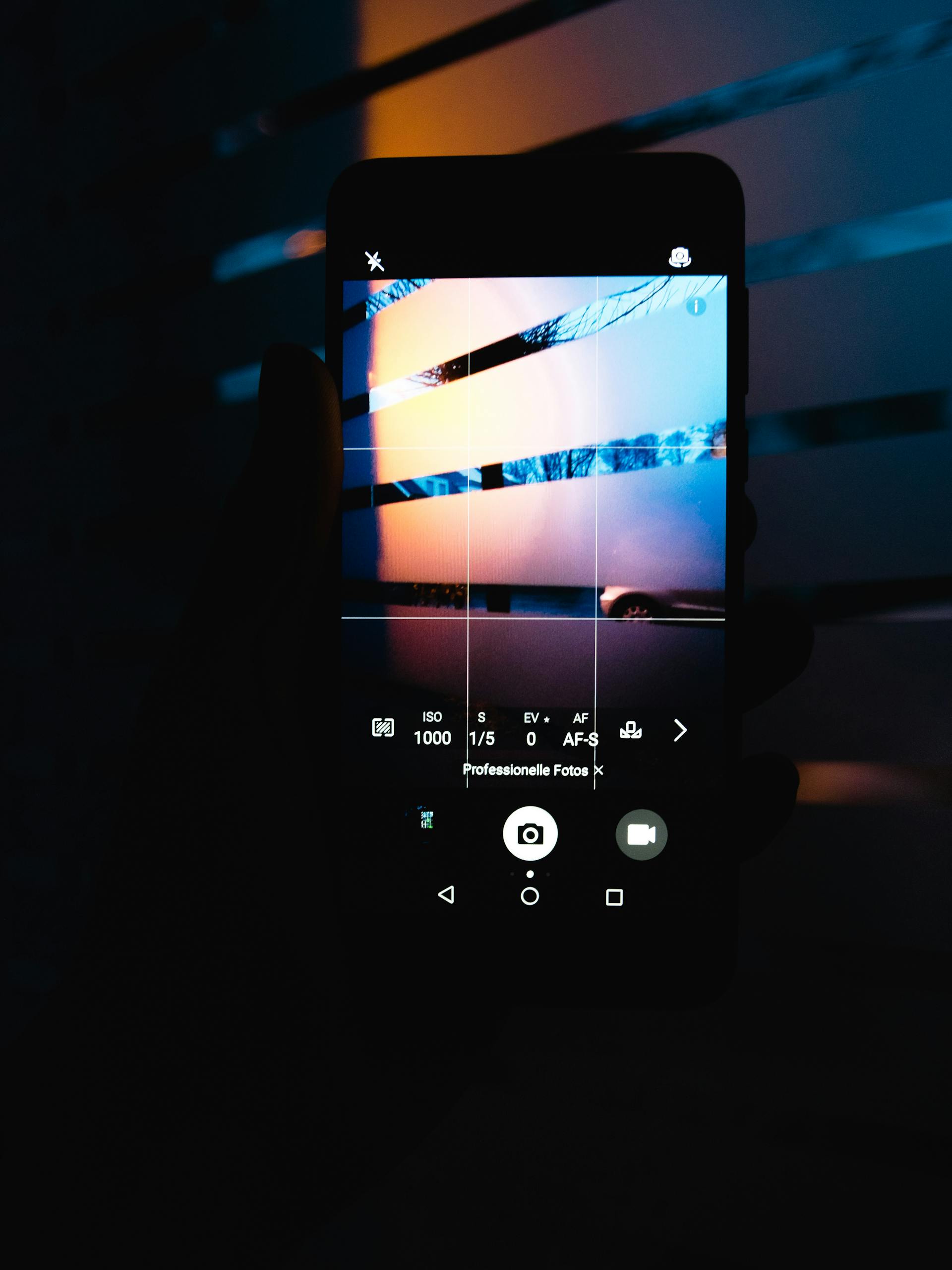
Most of us take every photo on our phones, so why should we need a computer to turn them into something beautiful? If your Camera Roll is overflowing with memories you never revisit, it’s time to create a photo book on your phone — no computer, no complicated software, no hassle.
Why Going Computer-Free Changes Everything
Traditional photo book services were built for desktops. That meant uploading photos from your phone to a cloud drive, opening a clunky web editor on your laptop, dragging images into templates, and hoping the final product looked the way you imagined. It was slow, awkward, and easy to abandon halfway through.
A phone-first approach removes all those friction points. Your photos are already on your device. The editing tools are built for touch. And you can work on your book in short bursts — during lunch, before bed, or while the kids nap. When you create a photo book on your phone with no computer involved, the process fits naturally into your life instead of demanding a dedicated work session.
How Recollect Studio Makes It Easy
Recollect Studio is a mobile app for iOS and Android that puts a full-featured photo book editor in your pocket.
- 200+ layouts give you endless design options, from elegant single-image pages to dynamic collages.
- 100+ fonts let you add titles, captions, and quotes that match your style.
- Stickers and decorations bring personality to every spread — think travel stamps, seasonal icons, and playful doodles.
- Filters help unify photos taken in different lighting so your book looks cohesive from front to back.
- Drag-and-drop editing makes rearranging pages and swapping photos feel effortless on a touchscreen.
Because the app was designed for mobile from the start, nothing feels like a compromise. You get the same creative control you’d expect from desktop software, right in the palm of your hand.
Made on your phone. Kept for years.
Try Recollect Studio Free
Create your photo book right from your phone — no computer needed.
Tips for a Polished Book Without a Desktop
- Organize before you start. Create a favorites album in your Camera Roll with only the photos you want to include. It saves time and keeps you focused.
- Work in short sessions. One of the advantages of phone-based editing is that you can pick up right where you left off. Don’t feel pressured to finish in one sitting.
- Use the preview. Recollect Studio includes a realistic book preview so you can flip through your pages and catch anything that feels off before ordering.
- Think about flow. Arrange pages chronologically or thematically so the book tells a story rather than feeling like a random collection.
- Pair it with the right print options. Hardcover for a gift, softcover for an everyday keepsake — choose the finish that fits the occasion.
Want to learn more about what your phone photos can become? See how easy it is to turn phone photos into a printed book with Recollect Studio’s three-step workflow.
Your Phone Is All You Need
You don’t need expensive software or a powerful laptop to create a photo book on your phone. With Recollect Studio, everything happens where your photos already live. Download the app, pick your favorites, and turn your Camera Roll into a book worth holding onto.