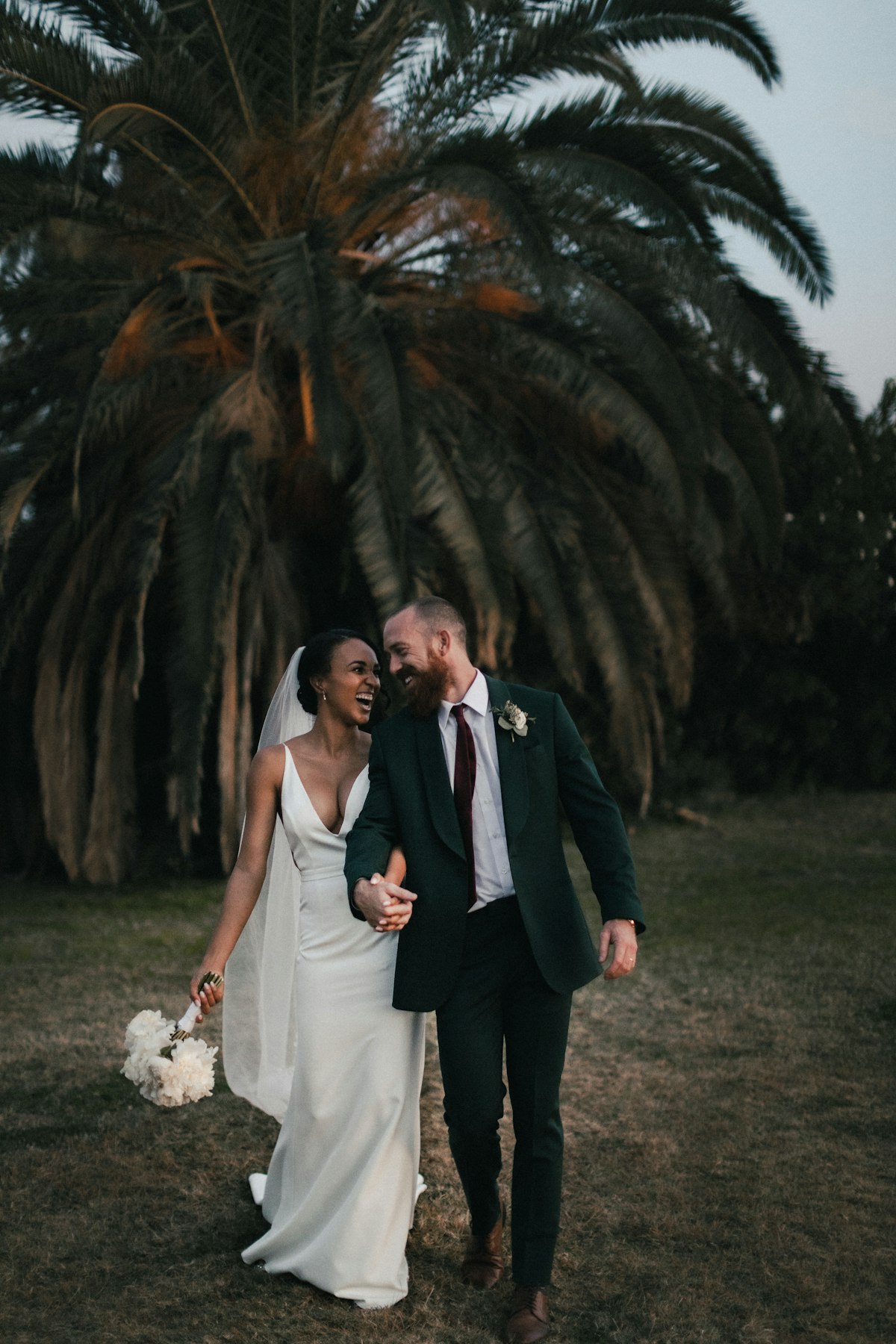
Between your phone, your partner’s phone, and every guest who snapped a candid at the reception, your wedding photos are probably spread across a dozen devices right now. The thought of gathering them all on a computer, learning desktop software, and wrestling with layouts sounds exhausting — especially when you’d rather spend your newlywed energy on anything else. The good news? You can create a wedding album from phone photos without ever opening a laptop.
Why Your Phone Photos Deserve a Printed Album
Phone cameras have come a long way. Many of the most authentic moments from your wedding — the teary-eyed parent, the flower girl mid-twirl, the sparkler exit — were likely captured on a phone rather than a professional camera. Those images carry real emotion, and they deserve more than a spot in an overcrowded Camera Roll.
A printed album turns those everyday phone photos into something extraordinary. It’s the book you’ll flip through on rainy Sunday mornings, the one your kids will eventually find on the shelf and ask about. When you create a wedding album from phone photos, you give those memories a permanent home that no software update can erase.
How to Build Your Album with Recollect Studio
Recollect Studio was built for exactly this moment. Everything happens on your phone, from photo selection to doorstep delivery.
- Gather your favorites. Open the app and select photos straight from your gallery. Ask your partner and wedding party to AirDrop or share their best shots so you have everything in one place.
- Pick your layouts. With over 200 professionally designed page layouts, you’ll find options for every part of the day — full-bleed ceremony shots, multi-photo reception grids, and clean single-image pages for your standout portraits.
- Personalize every page. Browse 100+ fonts to find the perfect style for titles and captions. Add stickers, apply filters to create a consistent look, and use drag and drop to position everything exactly where you want it.
- Design your cover and spine. Put your names front and center, add the date, and choose a background that matches your wedding’s aesthetic.
- Preview and print. Swipe through a realistic preview of the finished book, then order premium printing with a few taps.
No file transfers, no desktop required. You can design a page while waiting for coffee and pick up where you left off that evening.
Made on your phone. Kept for years.
Start Your Wedding Album Now
Turn your phone photos into a beautiful printed album — design from anywhere.
Tips for a Beautiful Phone-Photo Album
- Curate ruthlessly. You might have 500 wedding photos on your phone. Pick the 50 to 80 that truly tell the story. Quality over quantity makes a stronger album.
- Mix sources carefully. Photos from different phones may have slightly different color temperatures. Use Recollect Studio’s built-in filters to bring everything into a cohesive palette.
- Tell the day in order. Organize pages from getting ready through the last dance. A chronological flow creates a narrative that pulls readers through the album naturally.
- Highlight the in-between moments. The laugh during the toast, the kids on the dance floor, the quiet moment alone — these candid shots often become the most treasured pages.
- Add brief captions. A name, a location, or a short note gives future you the context that memories alone might lose over time.
If you’re looking for even more creative control, see our guide to building a DIY wedding photo book or learn how to make a photo book from iPhone photos.
Your Album Is Already in Your Pocket
Every photo you need is sitting on your phone right now. Recollect Studio bridges the gap between those digital files and a stunning printed album you’ll cherish for a lifetime. Create a wedding album from phone photos today and give your favorite day the book it deserves.