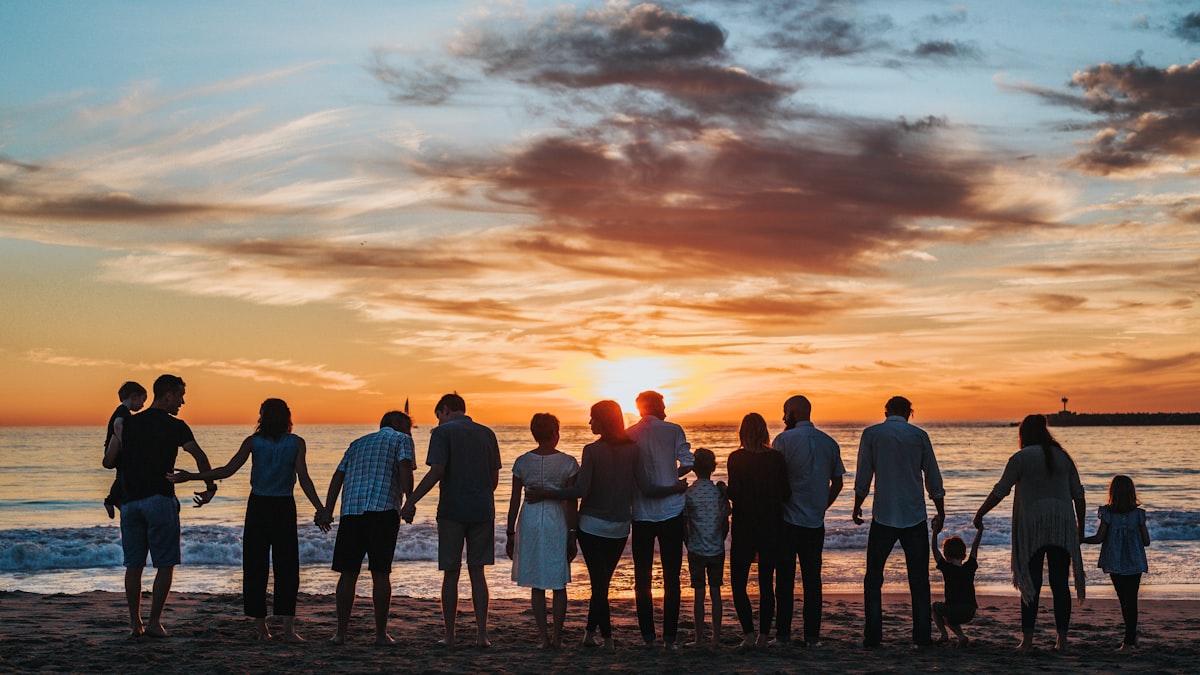
The layout you choose for each page shapes how your family photos feel. A single large image commands attention. A grid of four or five photos tells a richer story. The best family photo books mix both, giving big moments room to breathe while grouping everyday snapshots together.
Single-Image Layouts for Hero Moments
Some photos deserve an entire page. The family portrait where everyone is actually looking at the camera. Your daughter blowing out birthday candles. The first day of school on the front porch. These are the photos that stop you mid-flip.
Use single-image layouts for your strongest, most emotional shots. They create natural pauses in the book and give the reader’s eye a place to rest between busier pages.
Multi-Photo Grids for Everyday Life
Family life is made up of small moments — morning pancakes, backyard soccer, the dog sprawled on the couch. Individually, these photos might not feel book-worthy. Together on a well-designed grid layout, they capture the texture of daily life in a way a single hero shot can’t.
Grids with three to six photos per page work well for:
- Event sequences — birthday party setup, the party itself, cake, presents, cleanup
- Day-in-the-life spreads — morning routine through bedtime
- Seasonal roundups — a collection of summer or holiday moments on one page
Recollect Studio offers 200+ layouts including grids that hold up to 12 photos per page, so you can find the right density for every spread.
Asymmetric Layouts for Visual Interest
Perfectly symmetrical grids look clean, but mixing photo sizes on a page adds energy. An asymmetric layout might feature one large photo on the left with two smaller ones stacked on the right. This creates a natural hierarchy — your eye goes to the big photo first, then discovers the supporting images.
These layouts work especially well when you have one standout shot from an event plus a few supporting candids.
Text-Heavy Layouts for Milestone Pages
Some pages need words as much as photos. First-day-of-school stats (height, weight, favorite subject, best friend). A letter to your child on their birthday. A funny quote from Thanksgiving dinner. Layouts that combine a photo with a generous text area let you capture details that photos alone can’t.
With Recollect Studio’s 100+ fonts, you can match the text style to the mood — clean and modern for a timeline, playful and hand-lettered for kids’ quotes, elegant serif for a family letter.
Made on your phone. Kept for years.
Find Your Perfect Layouts
200+ page layouts built for family photos. Download Recollect Studio and start designing.
Tips for Mixing Layouts
Alternate busy and simple. Follow a six-photo grid with a single-image spread. The contrast keeps pages from feeling overwhelming.
Keep a consistent style. You don’t need to use the same layout twice, but sticking to a similar color palette and font pairing throughout the book creates cohesion. Use filters to unify photos taken in different lighting.
Don’t force it. If you only have two great photos from an event, use a two-photo layout. Don’t pad a grid with filler shots just to fill the slots.
Use stickers sparingly. A few well-placed decorative elements — a date stamp, a small star, a heart — enhance the page without competing with the photos. Recollect Studio’s sticker library has options that complement family themes perfectly.
Start Experimenting
The beauty of designing on your phone is that you can try layouts instantly. Drop your photos in, see how they look, swap the layout, and try again. There’s no commitment until you hit print. For a complete walkthrough, see our guide on how to create a photo book on your phone without a computer. Your family’s story is already in your camera roll — now give it the layouts it deserves.