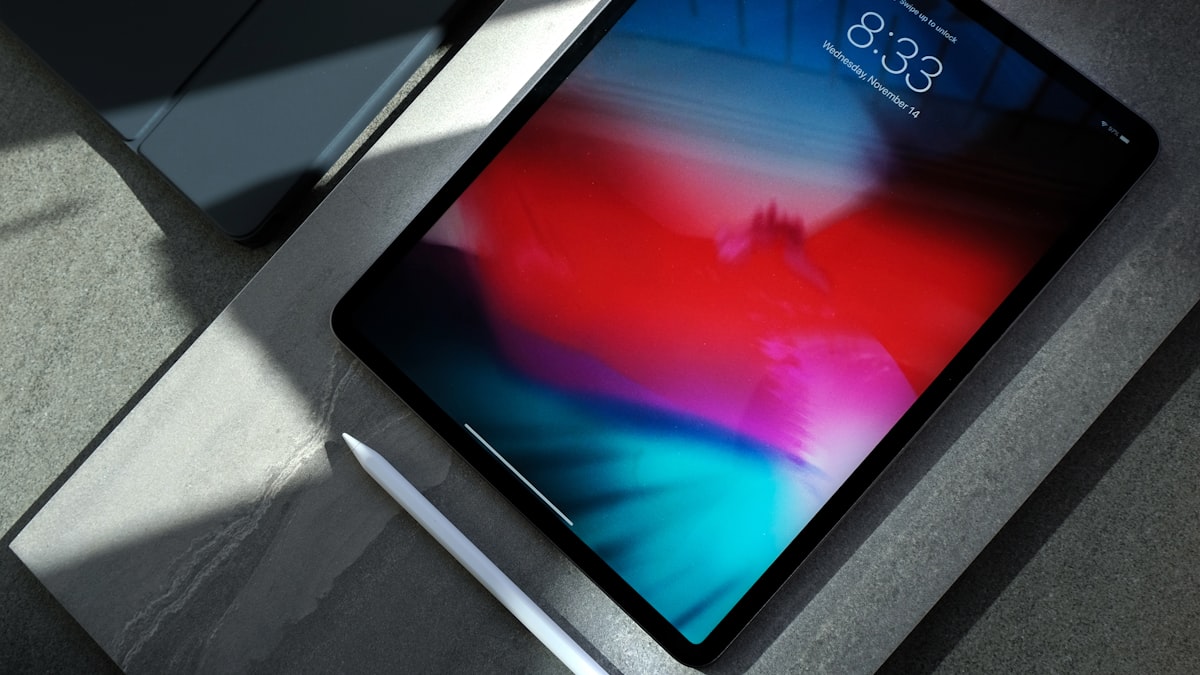
Designing a photo book on your phone works great. Designing one on a tablet is even better. The extra screen space lets you see more detail, drag elements with more precision, and preview how your pages will actually look in print. If you have an iPad or Android tablet, using it for photo book design is a game changer.
Why Tablets Excel at Photo Book Design
The core advantage is simple: more screen real estate. On a phone, you’re working with a few inches of space and zooming in and out constantly. On a tablet, you can see an entire page spread at a comfortable size. Photos look closer to their printed dimensions. Text is legible without squinting. And you can work with fine details — like sticker placement or photo cropping — without constantly pinching and zooming.
Tablets also make drag-and-drop feel natural. Moving photos between slots, rearranging pages, and resizing elements all feel more fluid on a larger touch surface. It’s the closest thing to designing with your hands on a printed page.
What to Look for in a Tablet Photo Book App
Not every photo book app works well on tablets. Some are phone apps stretched to a bigger screen, with awkward layouts and wasted space. The best tablet photo book apps are responsive — they adapt to your screen size and take advantage of the extra room.
Key features to look for:
- Responsive editor that scales properly to your tablet’s display
- Drag-and-drop editing that feels natural on a touch screen
- Rich layout library so you have plenty of options for every page
- Full text styling — fonts, sizes, colors, spacing, and rotation
- Photo editing tools so you don’t need a separate app
- No subscription — pay for what you print, not for the software
Designing on a Tablet with Recollect Studio
Recollect Studio is designed to work beautifully across phones, tablets, and foldable devices. The editor adapts to your screen size automatically, giving you more workspace on larger displays.
See your layouts in full. With 200+ page layouts, you can browse and compare designs at a size that shows real detail. On a tablet, you can see exactly how a six-photo grid will look before committing to it.
Fine-tune with precision. Adjust sticker placement, text positioning, and photo cropping with the accuracy that a larger touch target provides. Move elements pixel by pixel instead of hoping your thumb lands in the right spot.
Edit photos without switching apps. The built-in photo editor includes adjustable controls — brightness, contrast, saturation, sharpness, and more. Save custom edits as reusable Looks and apply them across your entire book. On a tablet screen, the before-and-after comparison is detailed enough to make real creative decisions.
Style text your way. Choose from 100+ fonts and see exactly how your captions will look at print size. On a tablet, you can read full paragraphs of text without zooming in, making it much easier to spot typos or awkward phrasing.
Made on your phone. Kept for years.
Design on Your Tablet
Recollect Studio adapts to your screen. Download free on iPad and Android tablets.
Tips for Tablet Photo Book Design
Use landscape orientation. Most photo book spreads are wider than they are tall. Holding your tablet in landscape mode gives you the most realistic preview of how your pages will look.
Keep your photos accessible. Make sure the photos you want to use are in your tablet’s photo library or synced via iCloud or Google Photos. Having everything local speeds up the design process.
Take advantage of the screen for review. Before ordering, flip through your entire book on the tablet. The larger screen makes it much easier to catch issues — misaligned text, awkward photo crops, or pages that need more variety.
Try it on both devices. Start on your tablet for the main design work, then review on your phone for a final check. Check crops and text carefully on each screen; screen previews cannot guarantee printed color or detail.
Whether you’re working on an iPad, Samsung Galaxy Tab, or any Android tablet, Recollect Studio gives you the full photo book design experience. For a complete guide on building from your mobile device, check out how to create a photo book on your phone without a computer.