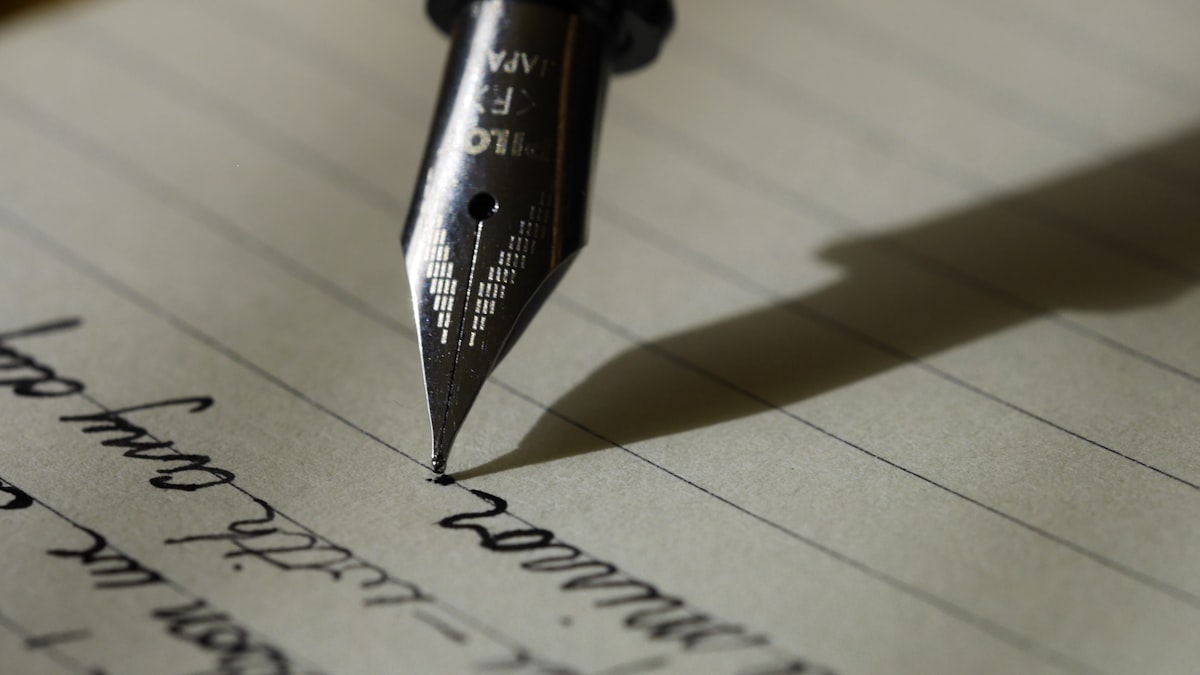
Photos capture what a moment looked like. Text captures what it felt like. The best photo books combine both, weaving in dates, captions, stories, and even humor alongside the images. Here’s how to add text to your photo book in a way that enhances every page.
Why Text Makes a Difference
Ten years from now, you might look at a beach photo and remember the trip — but will you remember which beach it was? Who was there? That your daughter found a sand dollar and refused to leave it behind? Captions preserve the details that photos can’t. They turn a collection of images into a story.
Text also gives pages breathing room. A page packed edge-to-edge with photos can feel busy. A few lines of text break up the visual density and give the reader’s eye somewhere to rest.
Types of Text to Include
Dates and locations. Simple and essential. “June 2025 — Outer Banks, NC” grounds the reader in time and place instantly.
Short captions. One or two sentences describing what’s happening or what you remember. Keep them conversational — write the way you’d tell a friend about the photo.
Longer stories. A full paragraph or two for milestone moments. The birth story, how you met, the speech your dad gave at dinner. These pages become the most re-read pages in the book.
Quotes and dialogue. Kids say the funniest things. Friends toast with memorable words. Capturing a direct quote makes a page come alive.
Lists. Favorites of the year, things you’re grateful for, stats on a child’s growth. Lists are scannable and surprisingly emotional when you revisit them later.
Choosing the Right Fonts
Font choice sets the tone more than most people realize. Recollect Studio includes 100+ fonts with full control over size, weight, color, alignment, spacing, and rotation. A few guidelines:
- Clean sans-serif fonts work for modern, minimal books — travel, architecture, lifestyle
- Elegant serif fonts suit weddings, anniversaries, and formal occasions
- Playful hand-lettered fonts match baby books, kids’ milestones, and scrapbook-style pages
- Monospace fonts work well for dates, stats, and technical details
Stick to one or two fonts per book for consistency. Use font weight (bold vs. regular) and size to create hierarchy instead of switching typefaces.
Made on your phone. Kept for years.
Add Your Story to Every Page
100+ fonts, free-floating text, and full styling control. Download Recollect Studio.
Placement Tips
Don’t cover important parts of photos. Recollect Studio lets you place free-floating text anywhere on the page, but be intentional about where it lands. Use text areas built into layouts, or place text over less detailed areas of a photo.
Align text with the page grid. Text that sits at odd angles or random positions can feel chaotic. Align captions with photo edges for a clean look, or use subtle rotation for a scrapbook feel when that’s the style you’re going for.
Leave margins. Text too close to the page edge can get trimmed during printing. Keep important text at least a quarter inch from any edge.
Use background fills for readability. If you’re placing text over a photo, add a semi-transparent background behind the text so it stays legible regardless of the image underneath.
Writing Better Captions
The best captions are specific and personal. Instead of “Beach day!” try “The morning Leo discovered that waves chase you back.” Instead of “Family dinner” try “Mom’s lasagna recipe — third attempt, first success.”
You don’t need to caption every photo. Let some pages be purely visual. The contrast between image-only spreads and text-rich pages gives your book a natural rhythm.
For more ideas on building your photo book from your phone, see our guide on how to create a custom photo book with stickers. Your photos already tell a story — text makes sure no one forgets it.