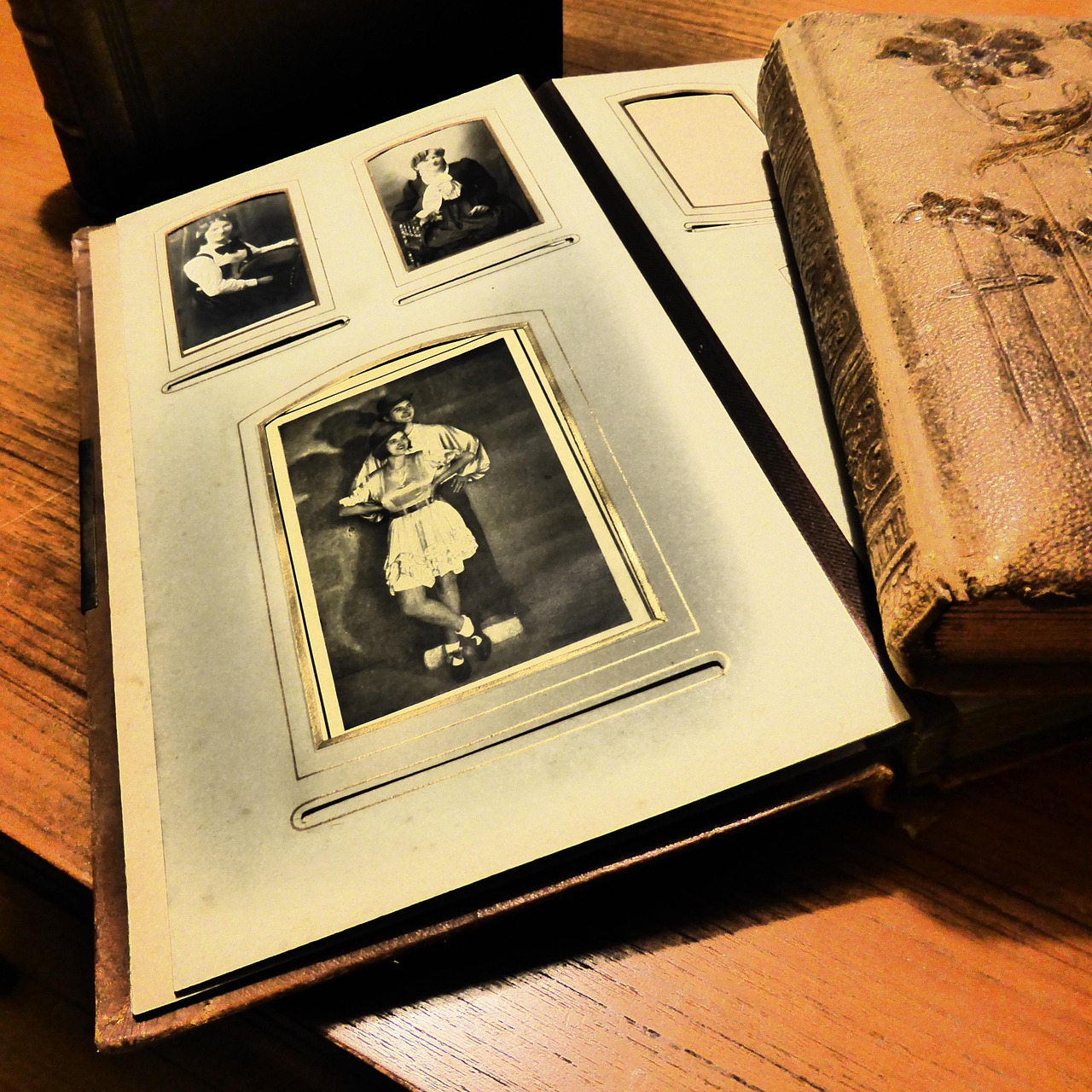
Photos tell a story, but the right decorations bring that story to life. A baby photo book with stickers and text transforms an ordinary album into something that feels handmade, personal, and full of personality. It’s the digital version of the lovingly assembled scrapbooks our parents made, except you can do it all from your phone in a fraction of the time.
Why Stickers and Text Make All the Difference
A photo of your baby grinning in a high chair is adorable on its own. But add a playful “first bite” sticker, the date in a handwritten-style font, and a caption about how most of the sweet potato ended up on the floor, and suddenly that image becomes a memory with context. Years from now, those small details are the ones that make you laugh and cry at the same time.
Text captions preserve the things you’ll forget: nicknames, funny sounds, the way your baby said a word for the first time. Stickers add warmth, color, and a sense of celebration to every page. Together, they turn a collection of photos into a keepsake that feels alive.
Building Your Decorated Book in Recollect Studio
Recollect Studio makes it easy to create a baby photo book with stickers and text, all without any design experience. Here’s how to get started.
Pick a layout. Browse over 200 page layouts and choose ones that give your photos room to breathe. Some layouts leave generous white space around images, which is perfect for adding stickers and captions without making the page feel crowded.
Drag, drop, and resize. Place your photos exactly where you want them. Pinch to zoom, rotate for a playful angle, or let the app auto-fit the image to the frame.
Layer on stickers. From milestone markers and tiny animals to seasonal icons and decorative borders, Recollect Studio’s sticker library has options for every mood. Place them over photo corners, between images, or as standalone decorations on a page.
Add your words. Tap to add text anywhere on the page. Choose from a range of fonts, adjust the size and color, and write anything from a single date to a full paragraph about the moment. Mix heading styles with smaller body text for visual variety.
Fine-tune with filters. Apply a soft filter across your photos to give the entire book a unified aesthetic, whether that’s warm and golden or cool and airy.
Once every page feels right, send it to print and receive a professionally bound book at your doorstep.
Made on your phone. Kept for years.
Decorate Your Baby's Memories
Download Recollect Studio to add stickers, text, and love to every page.
Tips for Using Stickers and Text Like a Pro
Less is more on busy pages. If a layout already has three or four photos, keep stickers small and stick to one or two per page. Save the bigger decorative elements for pages with a single feature photo.
Use text to tell micro-stories. Instead of generic captions like “So cute!”, write something specific: “You grabbed the dog’s ear and laughed for ten straight minutes.” Specific details are what make the book feel irreplaceable.
Stay consistent with fonts. Pick two or three fonts and use them throughout. One for headings, one for captions, and maybe one decorative option for special pages keeps the design cohesive.
Try before you print. Preview your pages as a spread to make sure stickers and text don’t get lost in the spine or cut off at the edges.
Make It Yours
The best part about building a baby photo book with stickers and text is that no two books look alike. Your choices, your words, and your favorite moments make it one of a kind. Open Recollect Studio and start turning your camera roll into a decorated keepsake your family will page through again and again.